Download
Get OV now.
Auto-detects your OS. Free, open source, MIT licensed. No account needed.
iPhone · iPad
Download directly from the App Store
On iOS devices, the App Store button opens the OV Notes listing directly.
Desktop
Showing the newest published build available for each OS.
01
Download
Click your detected OS above. macOS: DMG, Windows: EXE installer, Linux: AppImage.
02
Install
macOS: drag to Applications. Windows: run the installer. Linux: chmod +x the AppImage, then double-click.
03
Launch
OV creates your first vault at ~/Documents/OV. Press ⌘K from anywhere to reach every command.
Mobile · iOS available
The same vault, on iPhone and Android.
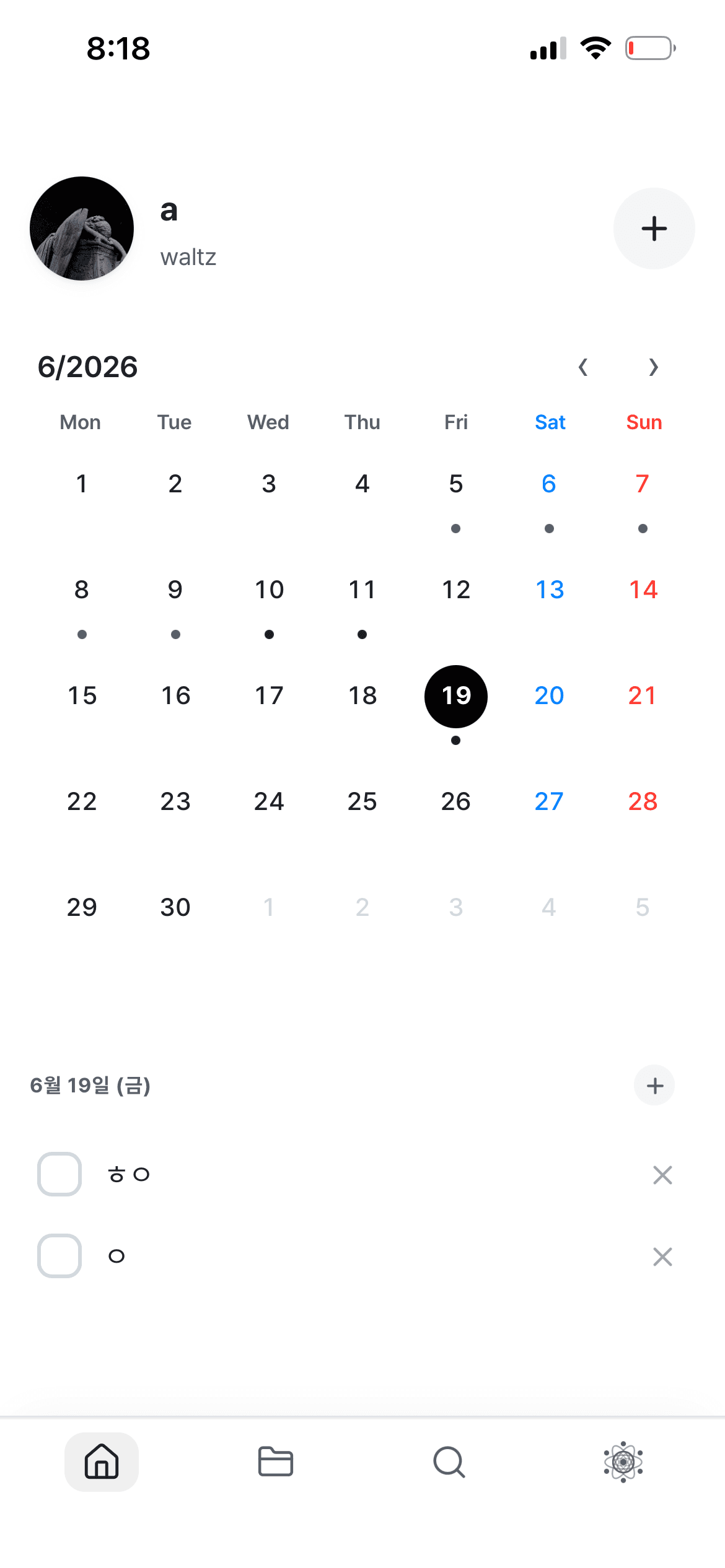
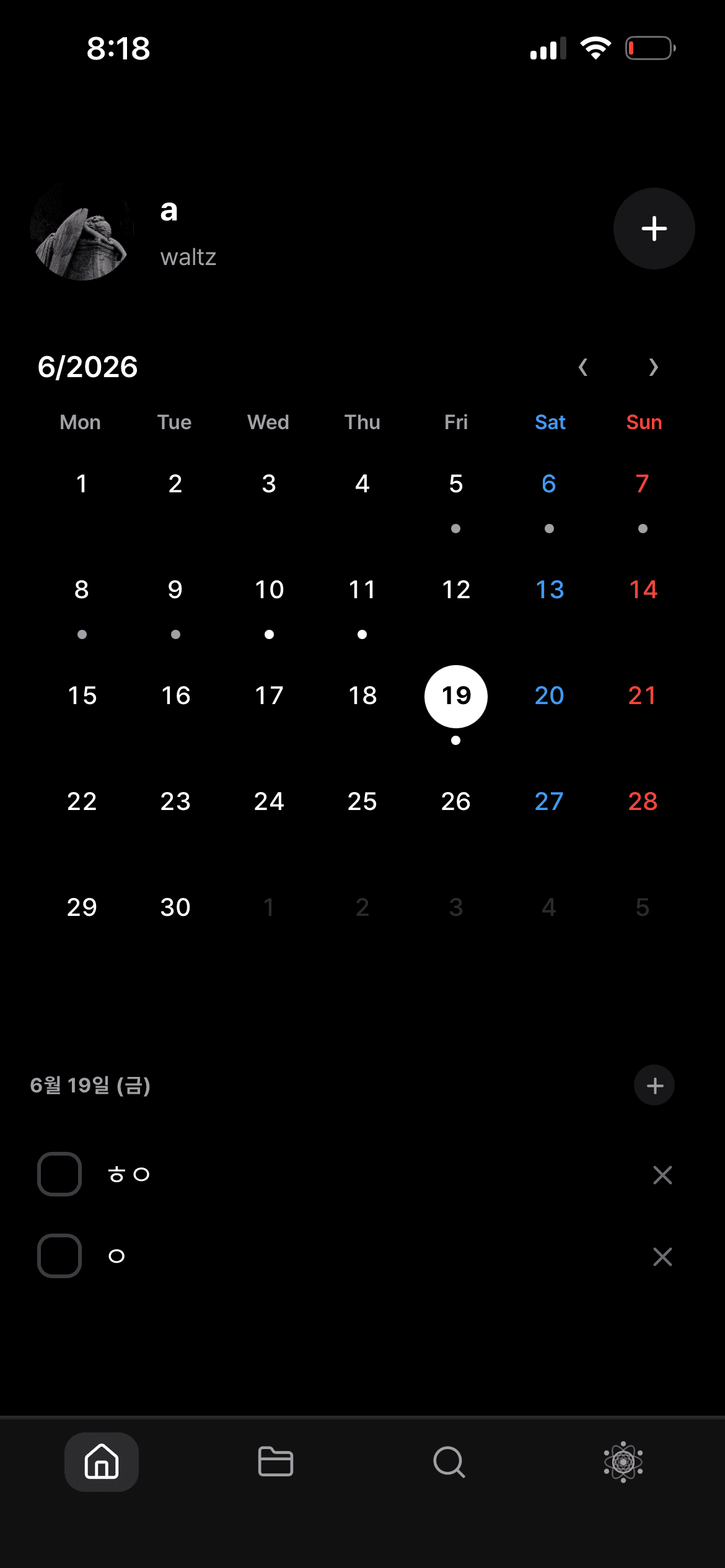
Open your calendar, check off to-dos, and capture notes from your pocket. The iPhone app is available on the App Store, and the Android app is on the way. Put your desktop vault in iCloud and pick up right where you left off on every device.
Download on theApp StoreComing soonGoogle Play
iOS 16+ · Android on the way · auto-syncs with desktop over iCloud
Home-screen widget
Check off today's to-dos from the home & lock screen
Share sheet
Send anything from any app straight into OV as a note
Siri · Spotlight
Add notes by voice; surface them in device search
On-device AI
Offline summaries via Apple Intelligence — no API key
System requirements
- • macOS 11+ (Big Sur), Apple Silicon · Intel
- • Windows 10+ (64-bit)
- • Linux (AppImage — Ubuntu 20.04+, Fedora 36+, Arch)
- • iOS 16+ · Android 6+ (coming soon)
- • 200 MB disk + vault size
- • 4 GB RAM (8 GB for large vaults)
Want to try before downloading? Try in your browser →