Local notes,
with AI in hand.
OV keeps notes, tasks, and schedule on your computer. The AI inside never changes a character without your approval, and calls the model with your key — never through us.
Free · Open source · MITPress ⌘K from anywhere
What you can do
Skip the complexity.
Stay organized, naturally.
Stays on your computer
Every note is a plain file on your disk. Works fully offline, and your data is never locked into someone else's service.
Learn more→
An editor that feels right
Slash menus, callouts, toggles, embeds, tables. Hit / on an empty line and every block is at your fingertips — no friction.
Learn more→
Tables · boards · calendars
Sort the same notes as a table, regroup as a board, then jump to a calendar. One source of truth, three perspectives.
Learn more→
Calendar & schedule
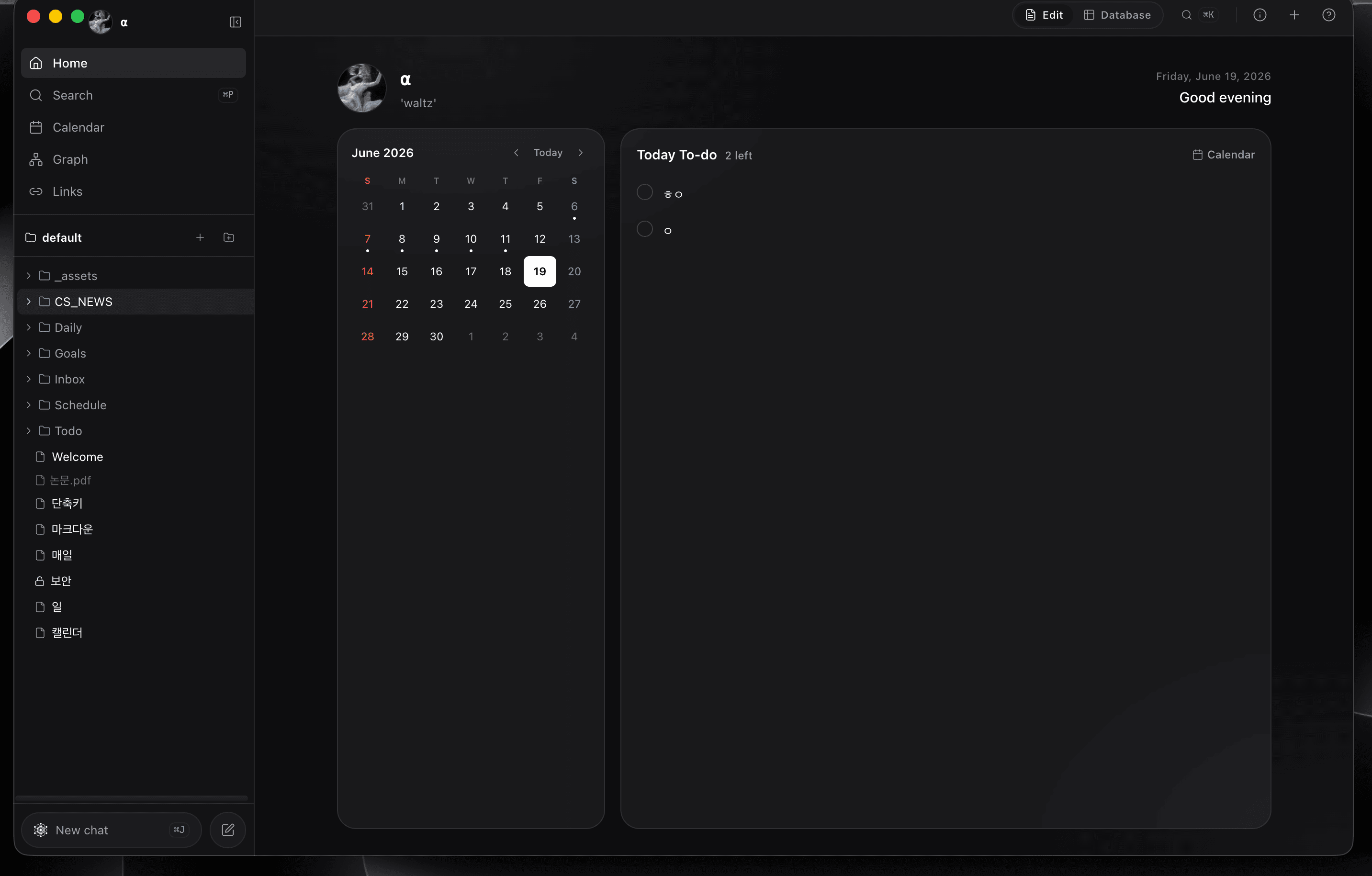
Month grid plus a time-sliced Day view. A live NOW line marks the current time so today's plan is always one glance away.
Learn more→
AI assistant
Understands your notes and offers help, but every change needs your approval. A real partner — never edits behind your back.
Learn more→
Graph view
The links between notes open up as a graph. See every connection across your vault and follow the map of your thinking.
Learn more→
iCloud sync
The same vault on every device. iCloud Drive keeps desktop and mobile in step automatically — never through our servers.
Learn more→
Privacy-first
No telemetry. API keys encrypted in the OS keychain. Per-file AES-256. Not sending things is the default.
Learn more→
Calendar
Your calendar is home.
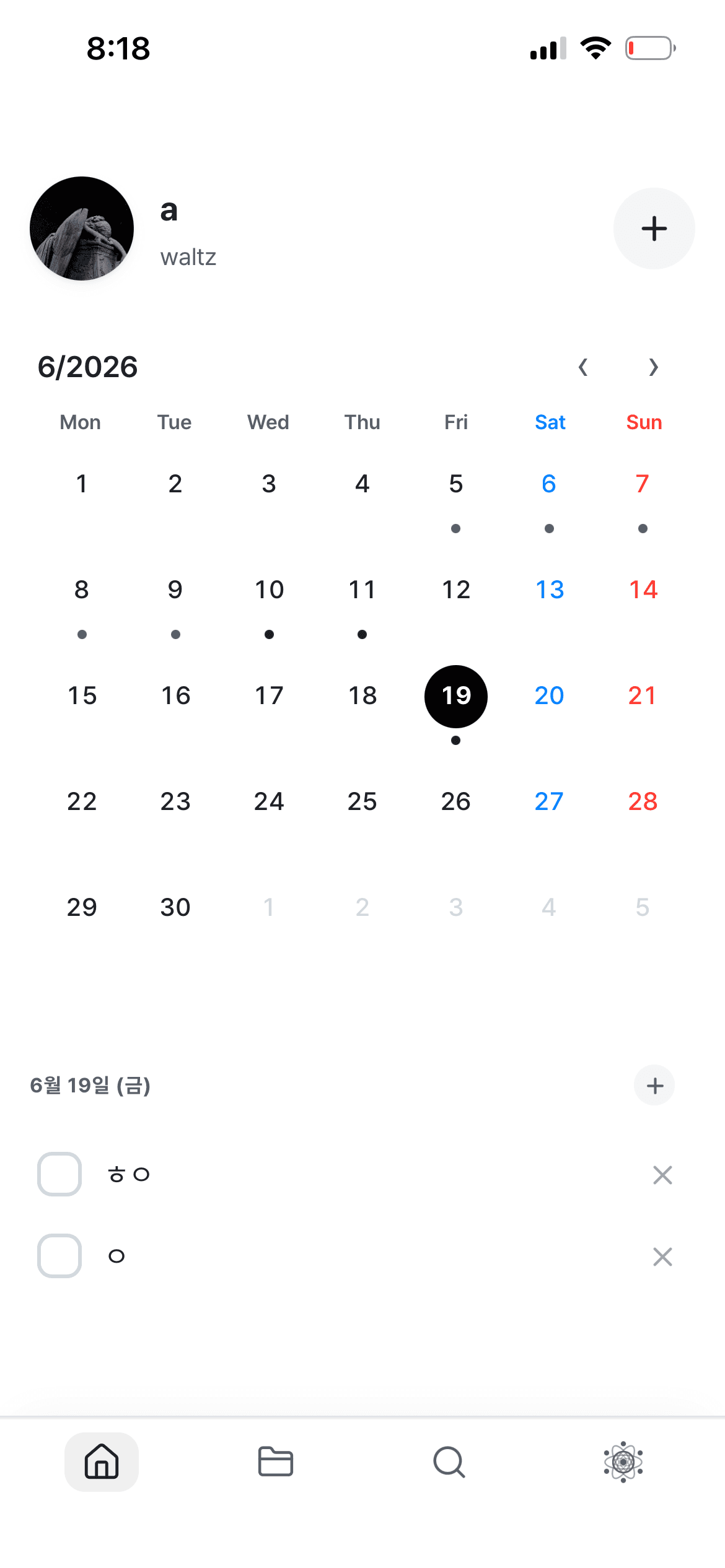
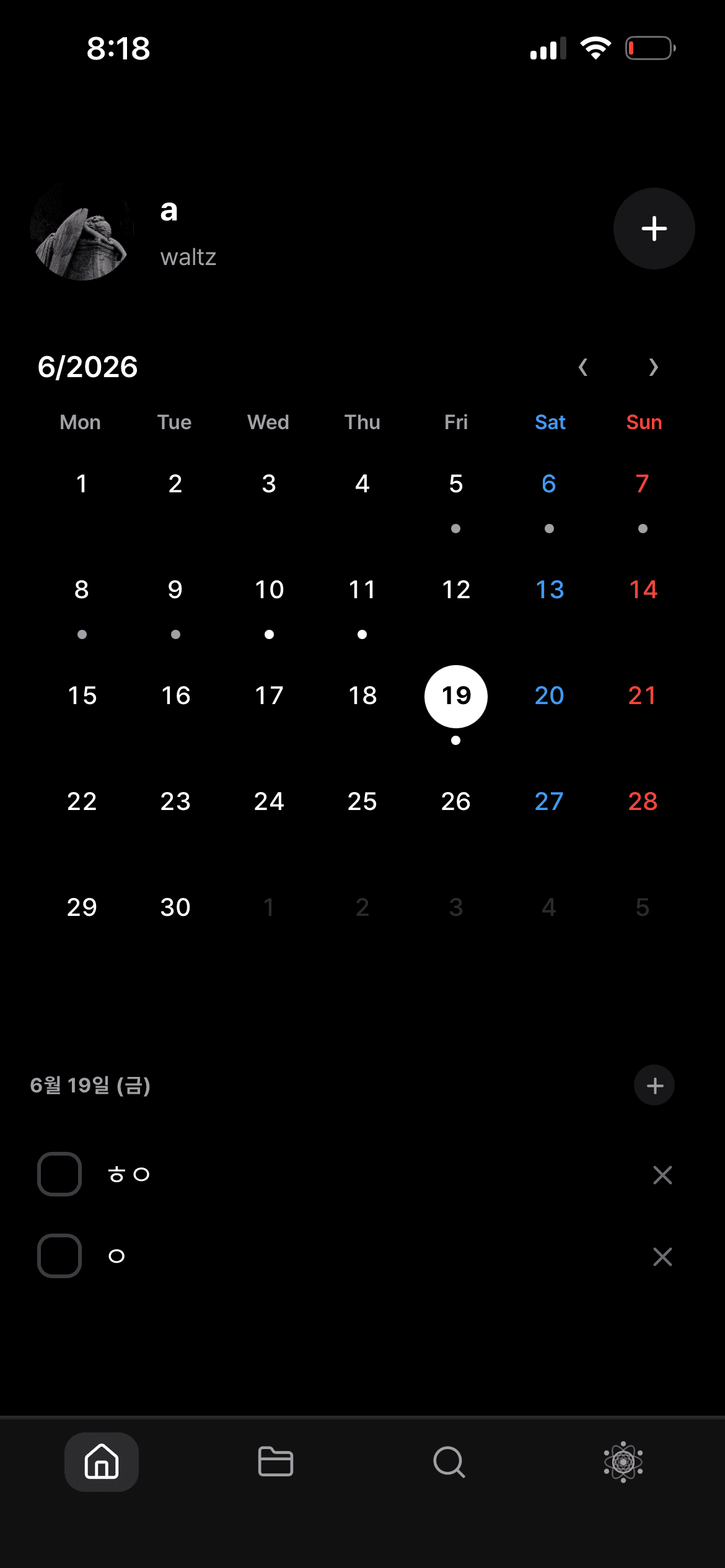
Open the app and this month — plus today's to-dos — is the first thing you see. Tap a day to expand its schedule, tap an empty slot to add one.
- Today's to-dos at a glance
- Month & Day views with a live NOW line
- Events double as checkable to-dos
- Add fast with natural language
Files & vault
All yours — plain files in your folders.
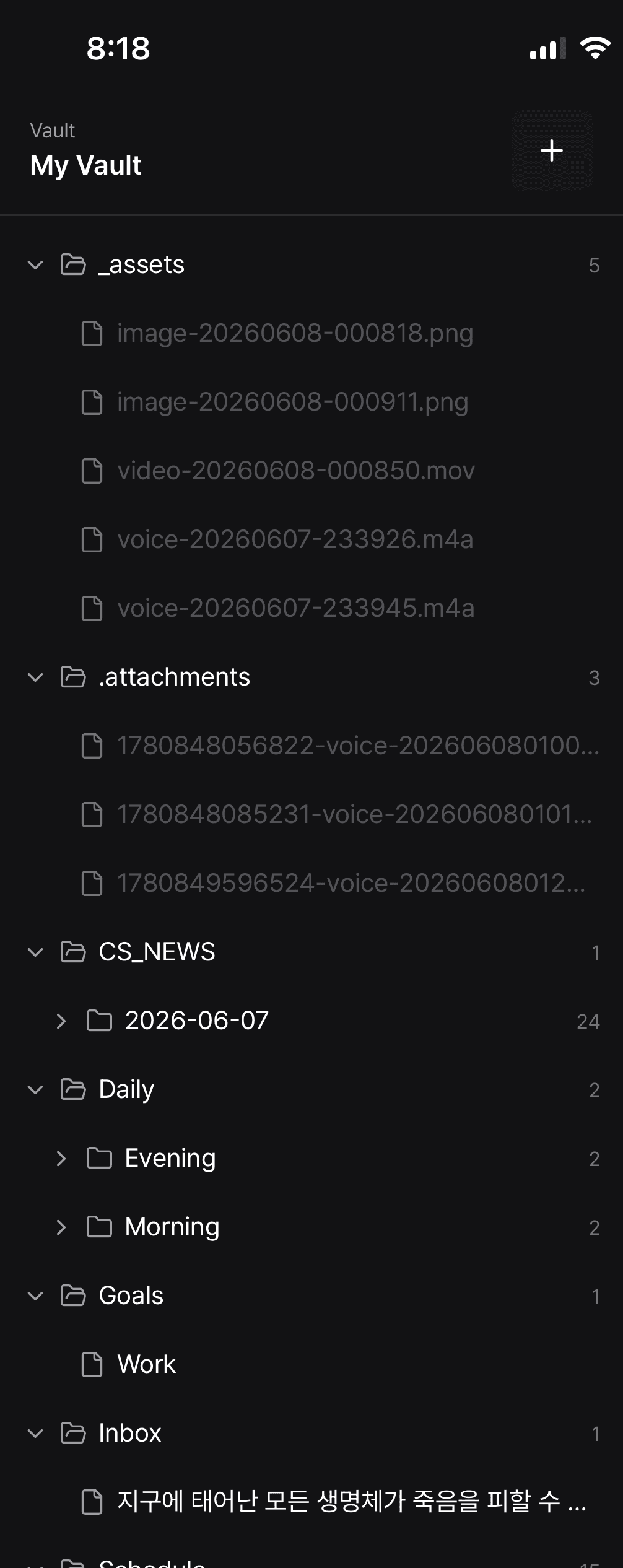
Notes, images, and voice memos are all plain files in your vault. Your folder structure stays exactly as you made it — and opens just the same in Obsidian, iA Writer, or VS Code.
- Organize in folders, drag to move
- Full-text search over titles & bodies
- Attach images & voice in one place
- Plain .md — no data lock-in
Editor
Effortless writing, clean markdown out.
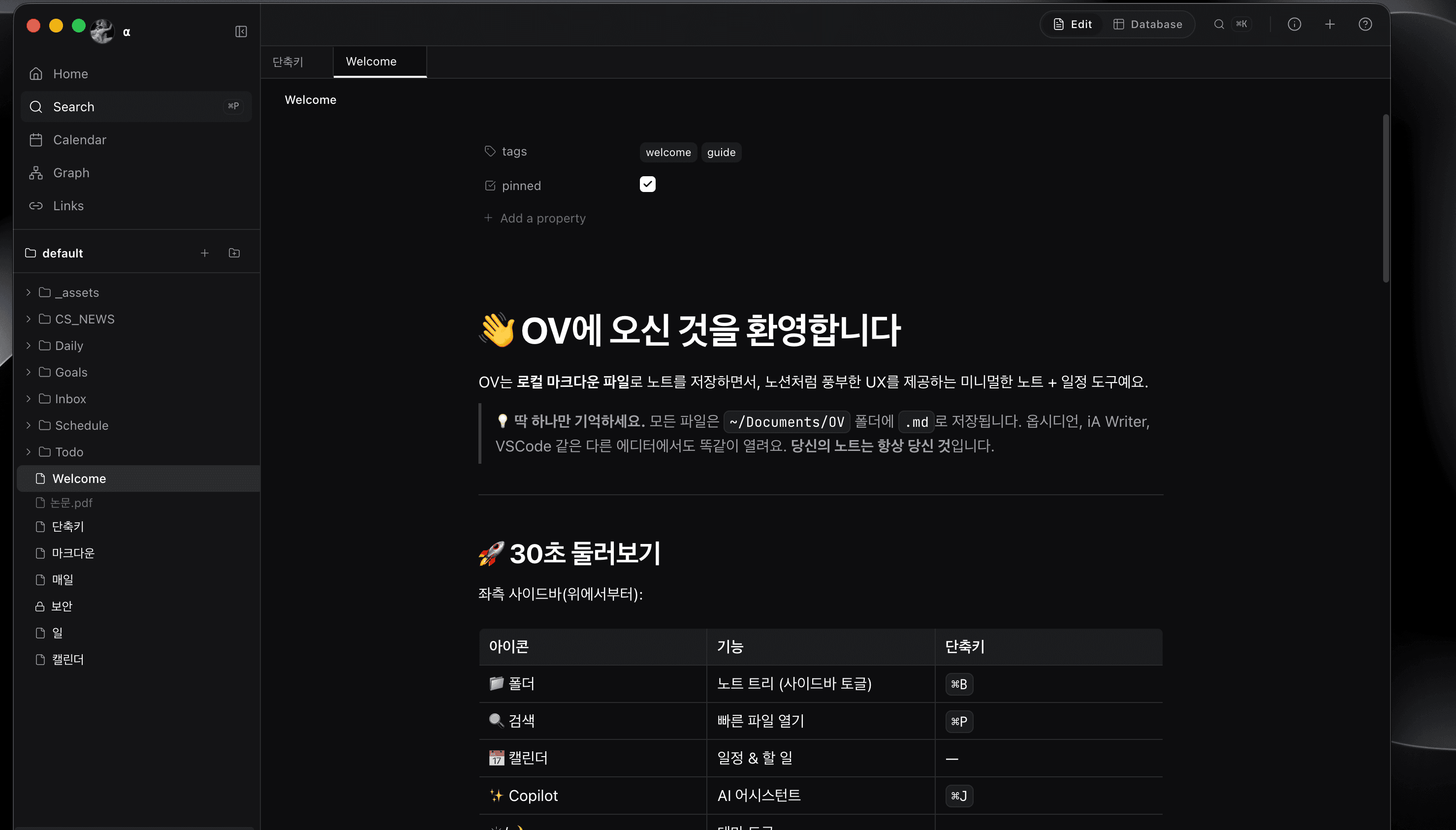
Hit / on an empty line and headings, callouts, tables, and embeds are right there. Link notes with [[wikilinks]]; the output is a .md file that opens anywhere.
- Every block from the slash menu
- Wikilinks & backlinks
- Tables, callouts, embeds
- Rock-solid Korean/CJK IME
AI assistant
A partner who knows your notes.
But never changes a single
character without asking.
Every change passes an approval gate. The AI can read, search, draft, and propose edits — but applying changes is always your call.
- 15 helpful actions: read · search · create event · refine notes · ...
- API key encrypted in the OS keychain
- Data sent: system prompt + note titles + the messages you explicitly send
- ⌘J reaches it from anywhere
- · 10:00 Design review (90 min)
- · 13:00 Lunch (60 min)
- · 14:00 Release prep (3 h)
Want me to create the retro note?
One vault, every device
Write on desktop,
pick up on mobile.
The same vault syncs over iCloud Drive. Every note stays a plain .md file — it never passes through our servers, only your own iCloud.
Desktop · macOS
iCloud Drive
one vault · .md files
Mobile · iOS
Plain .md files
Compatible with Obsidian, iA Writer, and VS Code. No data lock-in.
Auto-syncs over iCloud
What you write on desktop shows up on mobile — nothing to set up.
Works offline
Fully usable without a connection; it reconciles when you're back online.
Never through us
Sync runs through your iCloud only. No telemetry, no middle server.
Get started in 30 seconds.
No signup. No cloud.
No account. No cloud. You'll be writing your first note within a minute.
macOS (Apple Silicon · Intel) · Windows · Linux · iOS/Android coming soon